
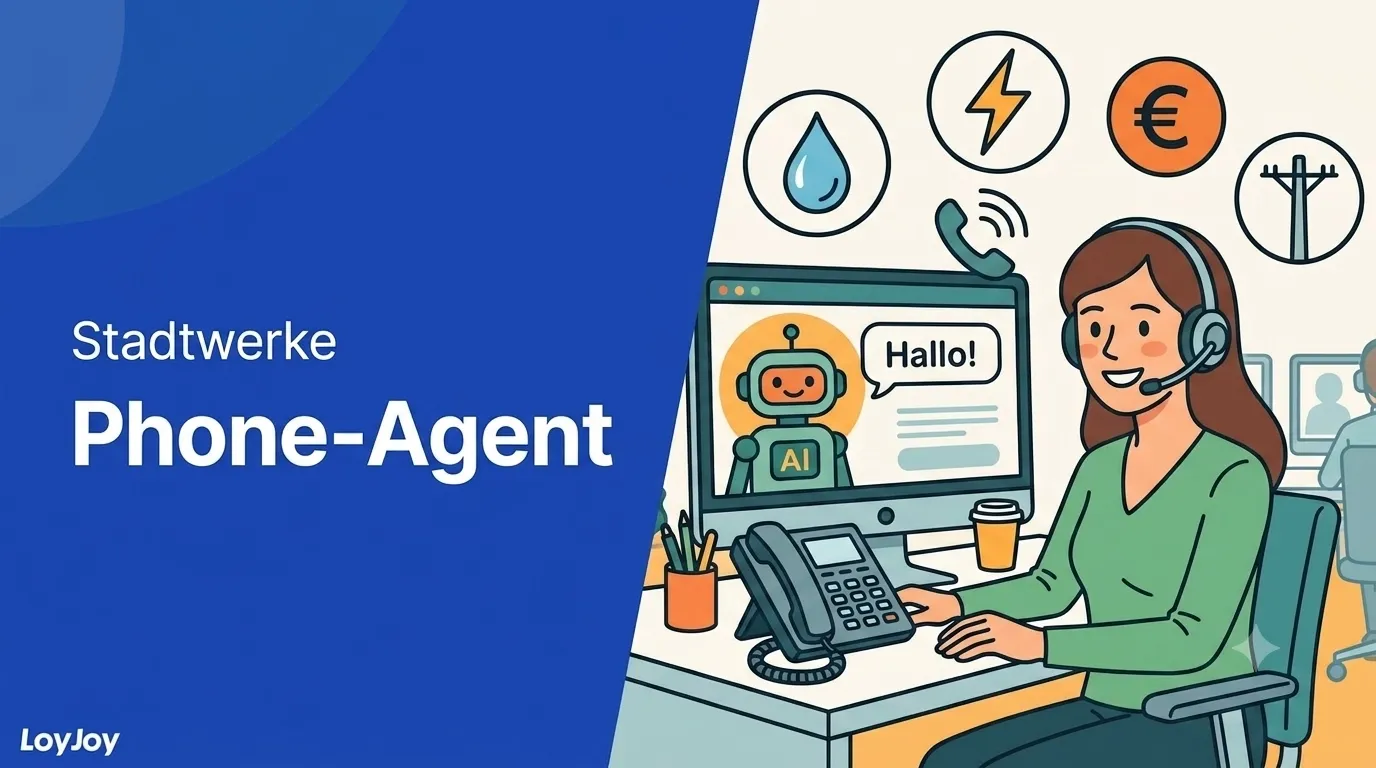
Resolve utility customer requests on the phone, not just take them down.
Description
AI phone agent for utility companies (Stadtwerke): resolves installment changes, meter readings, appointment and callback requests by phone. German only for now, switches language automatically when needed.
Highlights
Highlights
- Resolve installment changes, meter readings, appointments and callbacks by phone
- Digit-sequence capture with confirmation, for example meter numbers or IBAN
- Testable right away at +49 251 59686946
Simply call the LoyJoy Phone Agent for utility companies: +49 251 59686946.
Utility customers call for recurring but important requests: installment changes, meter readings, appointments, callbacks. This template sets up an AI phone agent that understands exactly these requests, reliably captures digit sequences such as meter numbers or IBAN, confirms them, and forwards them to the responsible department by email. The target audience is utility companies (Stadtwerke), so the agent is German only for now. If a caller asks in another language, the agent automatically switches language.
Highlights
- Complete conversation handling: Installment changes, meter readings, appointment requests and callback requests, each including digit-sequence capture and confirmation.
- Real email delivery: At the end of every data capture, the agent sends an email. In the prototype it goes to a single demo address instead of four department addresses.
- Realistic availability logic: Assumed service hours and a correct emergency safety announcement including the real emergency number 112, regardless of prototype status.
Use cases (examples)
- Take and confirm installment change requests by phone
- Capture meter readings, including secure digit-sequence capture
- Take appointment requests and forward them to the responsible department
- Take callback requests when a personal conversation is needed
- Ensure availability outside service hours
What is included in the template?
- Complete conversation handling for four core requests from utility customers
- Digit-sequence capture with confirmation, for example meter numbers or IBAN
- Real email delivery at the end of every data capture
- Credible responses when an advisor is requested or in an emergency, even without a real telephony connection
- German as the language, with automatic language switching on request
What already works in the prototype, without any changes
- Complete conversation handling for installment changes, meter readings, appointment requests and callback requests, including digit-sequence capture and confirmation.
- Real email delivery at the end of every data capture, only to a single demo address instead of four department addresses.
- Realistic availability logic with assumed service hours.
- Correct emergency safety announcement including the real emergency number 112, regardless of prototype status.
- Credible “the transfer would happen now” response when an advisor is requested or in an emergency, without a real telephony connection needing to exist.
Before going live: what to change
Just like with the test-mode approach: it is not enough to delete the operating-mode section, there are specific individual spots in the prompt.
- Delete the operating-mode section or switch it to “regular operation”.
- Emergency priority: enter the real outage number, replace “announcing” the number with actually stating it.
- Advisor requested: replace “announcing the transfer” with the real flow, state the destination, wait for consent, then transfer. The transfer destination is configured in the tool itself.
- In all four email sections (installment, meter reading, appointment, callback), replace the shared demo address with the respective real department address.
- Availability: enter the customer’s real service hours.
- Check whether the customer has a nationwide second brand, comparable to “Energie von nebenan” at Stadtwerke Herne. If so, add a paragraph on this to the persona and scope, deliberately left out of the prototype.
- Connect the knowledge source, enable knowledge search, and replace the “knowledge use” section with the version that requires a search.
- Before going live, run a red-team test catalog against the concrete instance, at least categories A, B, C and G.
Get started in under 5 minutes
- Install the template
- Clarify the operating mode: For a first test, prototype mode can stay as is. For live operation, work through the changes in the section above.
- Enter department addresses and service hours: Replace the one demo address with the four real department addresses, add the real service hours.
- Test and publish: Call the test number, run through all four requests, then publish.
Related templates


Frequently asked questions
Installment changes, meter readings, appointment requests and callback requests, each including digit-sequence capture and confirmation. At the end of every data capture, the agent sends a real email, in the prototype to a single demo address instead of four department addresses.
German only for now, since the target audience is utility companies (Stadtwerke). If a caller asks in another language, the agent automatically switches language.
Regardless of prototype status, the agent always gives the correct emergency safety announcement, including the real emergency number 112.
Among other things, the real department addresses instead of the one demo address, the real service hours, a real outage number for emergency priority, and the real handover flow to a human advisor. The full list is in the "Before going live: what to change" section below.
Yes, if your utility company runs a nationwide second brand, comparable to "Energie von nebenan" at Stadtwerke Herne. This is deliberately left out of the prototype and would need to be added to the persona and scope.