
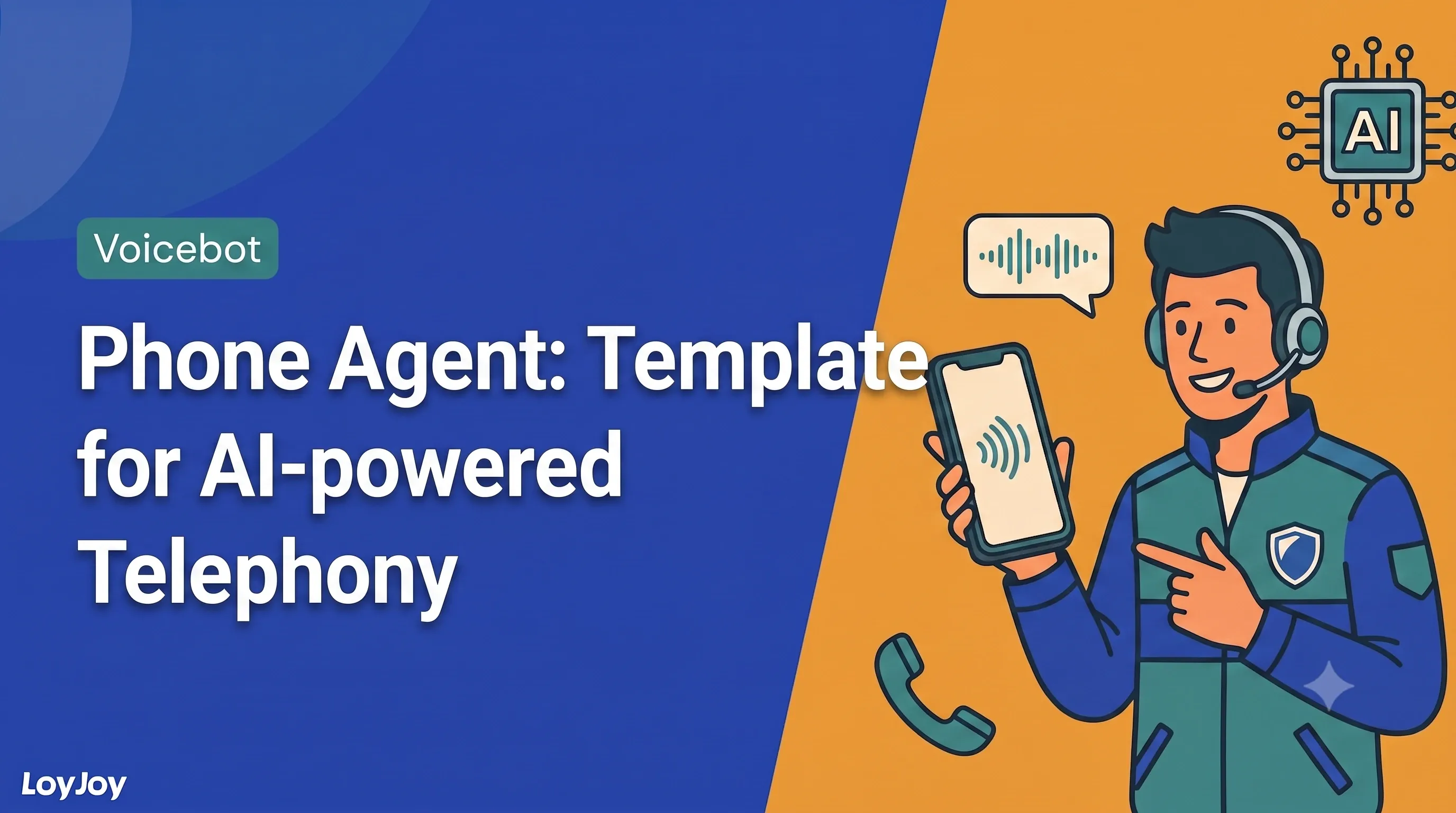
Phone Agent: AI-powered Telephony Set Up in Minutes
Description
Answer calls around the clock with an AI phone agent: speech-to-speech for natural conversations, answers from your own knowledge base, testable right away.
Highlights
Highlights
- Natural conversations via speech-to-speech
- Answers from your own knowledge base
- Set up and testable within minutes
Simply call the LoyJoy Phone Agent: +49 251 59686444.
Stay reachable by phone without making the queue any longer: this template sets up an AI phone agent that answers calls around the clock. Thanks to speech-to-speech the conversations feel natural. Callers are not pushed through rigid menus, they simply say what they need. The shipped defaults get you to your first test call without any prior knowledge.
The agent answers questions based on your knowledge base, researches on the web when needed and can be extended with further tools via MCP.
Highlights
- Natural conversations via speech-to-speech: No menu tree and no waiting for the beep. Callers describe their request freely, the agent understands and responds right away.
- Answers from your knowledge base: Knowledge search is enabled by default. Checkboxes let you decide which sources the agent may use, for example website content and documents.
- The greeting you prefer: As text spoken by the configured voice, as an uploaded WAV file, or generated from your text with a single click.
- Optional tools: Web research for up-to-date information, plus any number of MCP tools to connect the agent to your systems.
- Testable right away: Use the test button in the admin area to talk to your agent without any further configuration.
- EU hosting and compliance-ready: GDPR-compliant, EU AI Act aware, made in Germany. Optionally without storing call recordings.
Use cases (examples)
- Phone enquiries about products, services and opening hours
- Availability outside business hours and on weekends
- Taking load off the hotline for recurring standard questions
- Qualifying calls before handing them to your team
- Booking appointments right on the call
What is included in the template?
- Pre-configured AI module with prompt defaults and personality selection
- Knowledge search enabled, including a description of the knowledge base
- Greeting with AI disclosure, as text or audio
- Optional tools for web research and MCP connections
- 40+ languages, including many dialects
Help with the setup
Stuck while setting things up? Our documentation covers every step in detail, from prompt configuration through tools and greeting to publishing: Phone Agent Setup in the LoyJoy documentation.
Get started in under 5 minutes
- Install the template
- Adapt the prompt: Edit the instructions as free text or use the prepared dropdowns, for example to set your agent’s personality.
- Fill the knowledge base: Add website content and documents. This is the single most important quality lever for good answers.
- Test and publish: Call via the test button, review conversations in the conversations section, then publish.
Related templates

Frequently asked questions
A few minutes. The template ships with sensible defaults for prompt, knowledge search and greeting. A step-by-step walkthrough is available in our phone agent setup documentation.
In our documentation at docs.loyjoy.com/guides/phone_agent_setup. Every step is covered there, from prompt configuration through tools and greeting to publishing.
From your knowledge base, which you fill in advance with website content and documents. Checkboxes let you control which data sources the agent may access. Web research and MCP tools can be added optionally.
40+ languages, including many dialects.
Yes. Regional variants such as "Chilean Spanish" are not a separate language setting, they are controlled via the prompt, for example: "Speak natural Chilean Spanish, using the pronunciation and word choice common in Chile." OpenAI itself demonstrates this with a French-speaking Québec customer service agent, for example.
Yes. The greeting must clearly state that the caller is speaking with an AI system. The template ships with such a notice. If you change it, you are responsible for the legal assessment of your greeting.
Yes. The conversations section gives you access to all calls, so you can listen to recordings and analyse content to systematically improve quality. If you do not want call audio to be stored, enable the option to prevent the audio log in the telephony settings.
Once a phone number is linked to your agent, it is shown in the publish section. Connections to existing telephony infrastructure via SIP and Websocket are in preparation.