
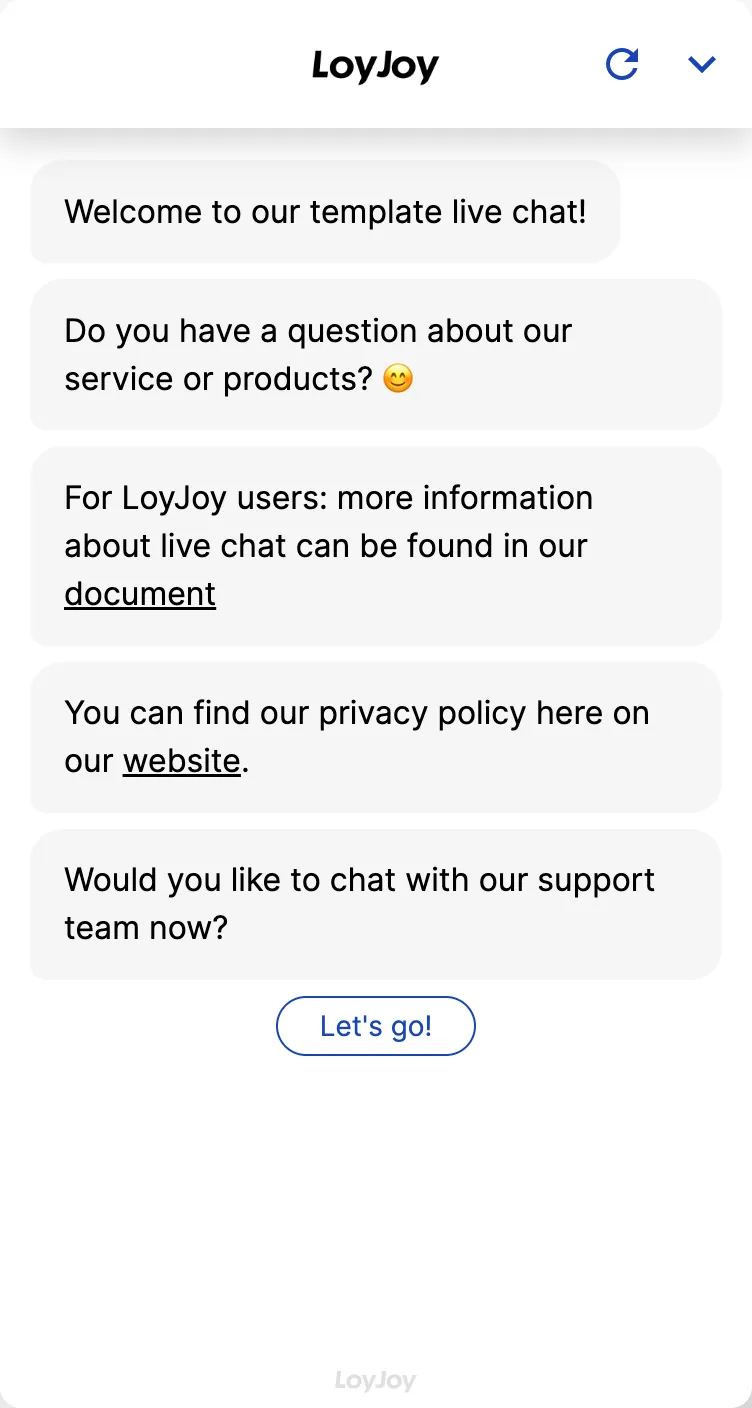
Live chat: LoyJoy template for human live agents in chat
Description
Live chat in the chatbot: seamless handover to human agents in real time, for personal support without breaking the conversation.
Highlights
Highlights
- Real-time Support
- Efficient Customer Support
- Asynchronous Communication
This template shows the live module in use: a conversation is handed over from the chatbot to a live agent as soon as users request it or a configured escalation criterion triggers. Live agents see the prior conversation, answer in real time and can hand the case back to the chatbot.
Visibility and availability of live agents are controlled via the live chat area. Routing by skill, language or time of day is configurable.
Highlights
- Seamless handover: The chatbot hands the conversation to a live agent without users having to repeat their request.
- Full context for live agents: The prior chat history is available immediately, no need to ask what was already said.
- Smart routing: Cases can be distributed to the right live agents by skill, language or time of day.
- Handback to the chatbot: Once a human has resolved the case, it can go back to the chatbot.
Use cases (examples)
- Escalating complex or sensitive requests to a human
- Personal support for high-value requests, for example in sales
- Catching cases the chatbot cannot resolve on its own
- Distributing incoming requests by language or department
- An additional human channel alongside automated first contact
What is included in the template?
- Live module with handover logic between the chatbot and a live agent
- Configurable escalation criteria for automatic handover
- Live chat area to control visibility and availability
- Routing options by skill, language or time of day
- Option to hand a case back to the chatbot
Get started in under 5 minutes
- Install the template
- Set your status to online: Mark yourself as online in the live chat area to receive incoming requests.
- Configure routing: Adjust escalation criteria and routing by skill, language or time of day to your needs.
- Chat live: Chat with your customers in real time and hand the case back to the chatbot if needed.
See the setup guide for full details.
Customers

Frequently asked questions
Automatically, as soon as users request a live agent or a configured escalation criterion triggers.
Yes, the entire prior conversation is available to the live agent right away, users do not have to repeat their request.
In the live chat area you mark your status as online to receive incoming requests.
Yes, routing by skill, language or time of day is configurable.
Yes, live agents can hand a case back to the chatbot at any time.
In the setup guide in the LoyJoy documentation.