

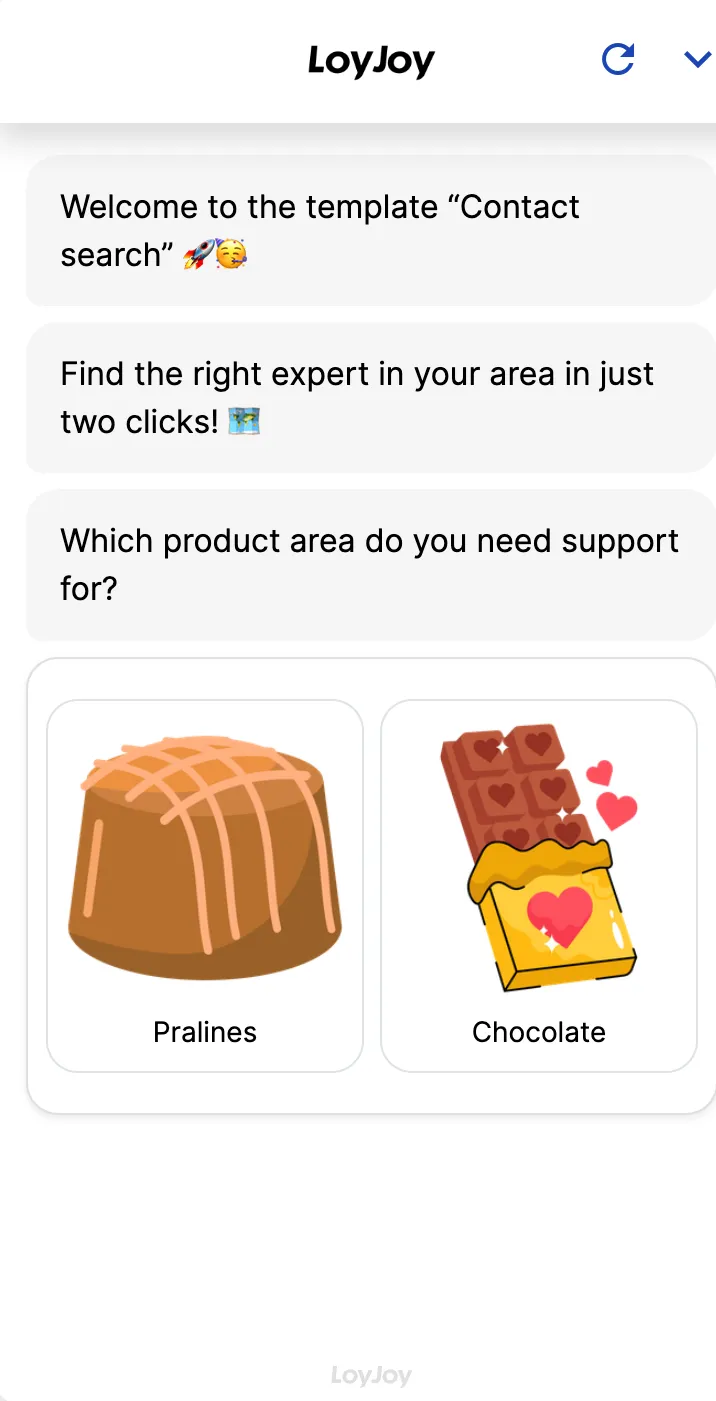
Contact person search: chatbot template for automatic contact assignment
Description
With the LoyJoy contact search template, your customers are automatically directed to the right contact person in just a few clicks.
Highlights
Highlights
- Automatic contact assignment
- Fast, targeted customer service
- Seamless integration into existing processes
Customers often search for a long time for the right contact person before they can even raise their actual request. This template takes over that assignment: based on a few inputs such as postal code and product area, the chatbot finds the right contact person and returns name, phone number and email address directly in chat.
The data source can be an internal data set, a CSV import or an API connection to your CRM or sales system. Live at Westfalen AG and TRUMPF (Ask TRUMPF).
Highlights
- Automatic contact assignment: Based on criteria such as postal code or product area, the agent determines the right contact and provides name, phone number and email address.
- Fast, targeted customer service: Customers reach the right contact person directly, without a queue or being transferred around.
- Seamless integration into existing processes: The assignment draws on an internal data set, a CSV import or a connected CRM or sales source.
Use cases (examples)
- Automatically assigning sales territories based on postal code
- Finding the right advisor for a specific product or topic area
- Routing service requests directly to the responsible department
- Simplifying internal colleague search
- Pre-qualifying and assigning sales enquiries from your website
What is included in the template?
- Guided dialog to capture the assignment criteria, for example postal code or product area
- Matching against a stored contact data set
- Alternative connection via CSV import or API to a CRM or sales system
- Output of name, phone number and email address directly in chat
- Proven in production at Westfalen AG and TRUMPF (Ask TRUMPF)
Get started in under 5 minutes
- Install the template
- Add your contact data: Maintain it directly in the process or use a linked data set or CRM connection.
- Adjust the assignment criteria: Adapt the query, for example postal code, product area or topic, to your sales logic.
- Test and publish: Check the assignment with sample data and make the chat available on your website.
Customers


Frequently asked questions
Based on the criteria you define, for example postal code or product area. The agent matches the input against your contact data set and returns name, phone number and email address.
From an internal data set, a CSV import or an API connection to your CRM or sales system, whichever is most practical for you.
Yes. The query can be set up on postal code and product area at the same time, for example, matching your sales logic.
As up to date as your source. Maintain the data directly in the process or update the linked data set or connected CRM source.
Yes, it is live at Westfalen AG and TRUMPF (Ask TRUMPF).
Yes. The template runs on the EU-hosted LoyJoy Platform. Built-in privacy and governance controls enable GDPR-compliant deployment and can be configured for your process.