
Product finder (decision tree): chatbot template for guided product selection
Description
Ask your customers a series of targeted questions to help them find the perfect product – with the LoyJoy Product Finder Decision Tree template, easy to deploy.
Highlights
Highlights
- Journey for best fitting product
- Help your Customer fit their needs
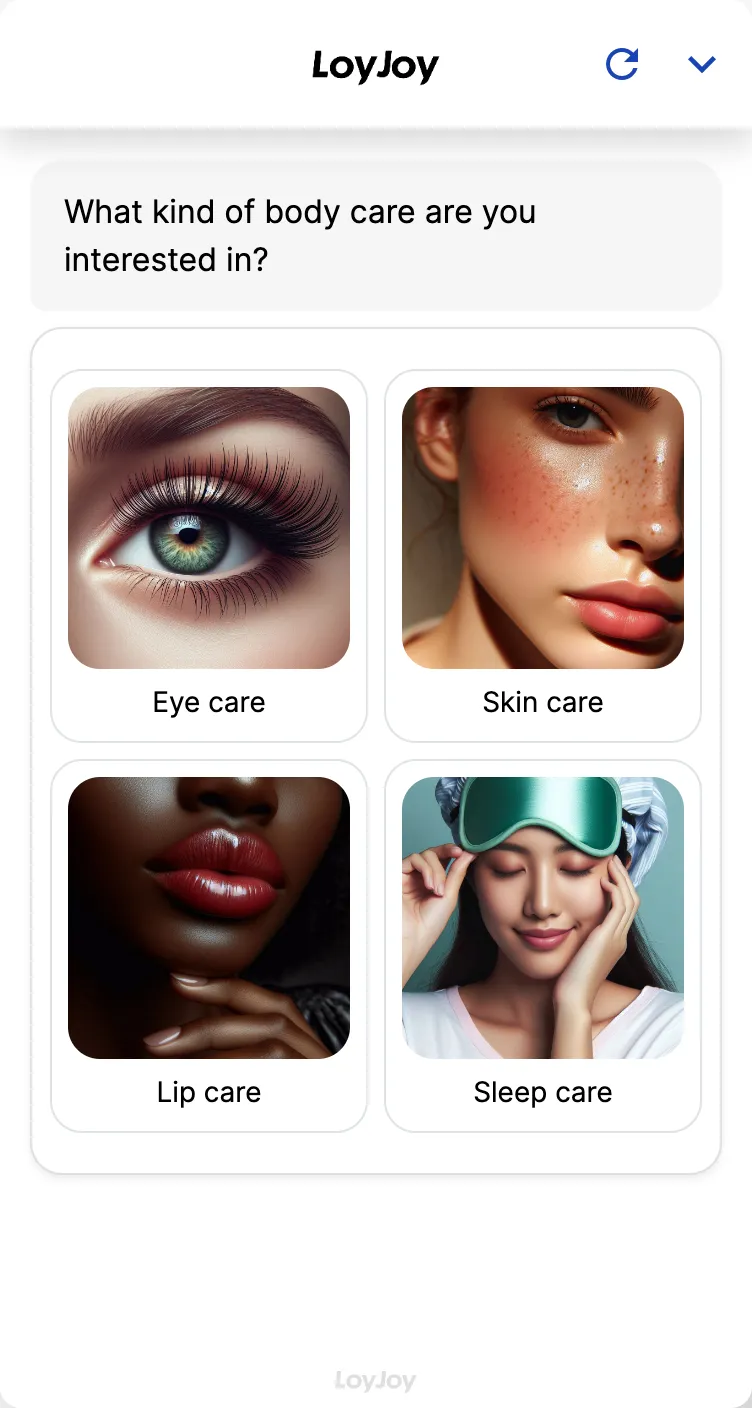
The Product Finder Decision Tree template guides visitors through a clearly structured sequence of questions to the matching product recommendation. Each answer determines the next step in the tree until a concrete recommendation from your range is reached. The format suits manageable product ranges with clearly separable criteria.
Questions, answer paths and product assignments are adjustable in the no-code editor. For more complex product worlds, see the Agentic AI product finder.
Highlights
- A clearly guided path: Every question and every answer path is defined in the no-code editor, guiding visitors step by step to the matching product recommendation.
- Full control over questions and mapping: You decide which questions are asked and which product is assigned to each answer path.
- Easy to maintain: Adjust or extend questions, answer options and product assignments without any coding.
Use cases (examples)
- Guided product selection for manageable ranges
- Advice along clearly separable criteria such as size, type or intended use
- Pre-qualifying prospects before they reach your sales team
- Simple self-service advice without free-text interpretation
- A starting point for automated product advice without AI configuration
What is included in the template?
- A pre-configured decision tree with example questions and answer paths
- A no-code editor to adjust questions, answers and product assignments
- A connection to the LoyJoy Product API for your own product data
- Embedding as a chat on your website or in your app
Get started in under 5 minutes
- Install the template
- Adjust the decision tree: Tailor questions, answer paths and product assignments to your range in the no-code editor.
- Connect your product data: Upload your product data via the LoyJoy Product API.
- Embed the chat: Deploy it on your website or in your app and guide customers to the matching product.
Frequently asked questions
For manageable ranges with clearly separable criteria, such as size or type. For more complex product worlds with many attributes, the Agentic AI product finder template is usually the better choice.
Entirely in the no-code editor, without coding. You define every question, every answer option and the resulting product assignment.
Via the LoyJoy Product API. Alternatively, you maintain individual products directly in the editor.
As many as make sense for your range. The tree grows with every additional question and answer path.
Yes. For more dynamic advice with free-form follow-up questions, switching to the Agentic AI product finder template is a good option.
As a chat on your website or in your app, just like other LoyJoy templates.