

tests

Raffle with randomised questions: chatbot template with question pool

Description

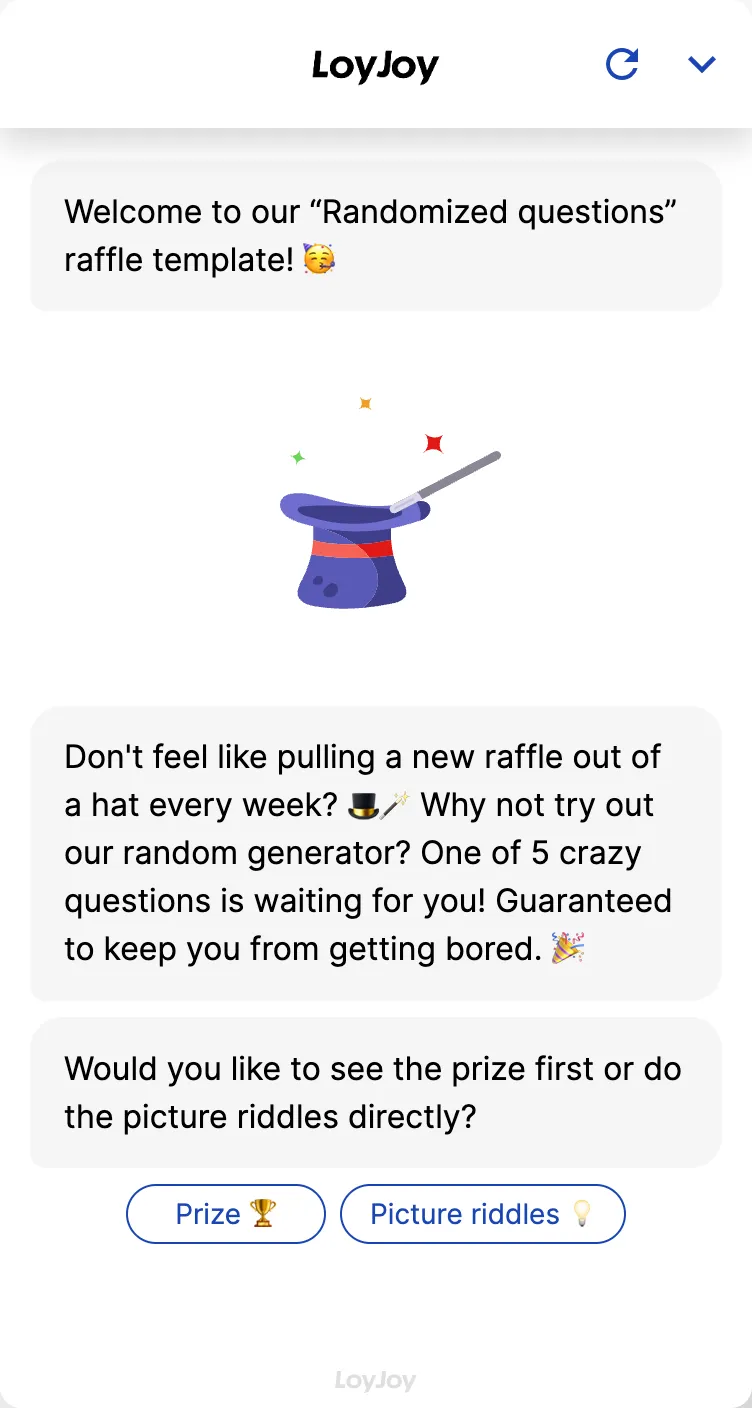
Random-question raffle chatbot: pulls questions randomly from a question pool, keeping every entry fresh and engaging for users.

Add Template

Highlights

Highlights

  • Randomly selected questions from a predefined pool
  • Keeps the user experience fresh and engaging
  • Users can win exciting prizes

This template draws questions randomly from a stored question pool: each entry sees a different combination of questions, so repeat participants never see the same set twice. That keeps the campaign fresh and makes multiple entries over the runtime of a campaign more attractive, for example for daily or weekly raffle formats.

Highlights

  • Randomised question selection: Questions are drawn randomly from a pool for each entry, no two entries look alike.
  • Attractive for repeat entries: Because the questions vary, a repeat entry stays exciting instead of predictable.
  • Manageable question pool: You maintain as many questions as you like in the pool and control how many of them are played per entry.

Use cases (examples)

  • Daily or weekly raffle formats with changing content
  • Campaigns designed to motivate multiple entries over their runtime
  • Advent calendar or series-style activations with changing questions per day
  • Community activations where participants share the campaign repeatedly
  • Spread brand knowledge more broadly, since more questions get seen over time

What is included in the template?

  • Manageable question pool in the no-code editor, extendable at any time
  • Random-selection logic that draws a new question combination per entry
  • Adjustable number of questions per entry
  • Capture of contact data for the draw
  • Integration to hand over entry data to a CRM or newsletter tool

Get started in under 5 minutes

  1. Install the template
  2. Fill the question pool: Add questions and answer options in the no-code editor, the larger the pool, the more variety across entries.
  3. Set the number per entry: Decide how many questions are randomly drawn from the pool per run.
  4. Test and publish: Run through several entries to check the randomisation, then go live.

Frequently asked questions