
Raffle without wrong answers: chatbot template for personalised quizzes
Description
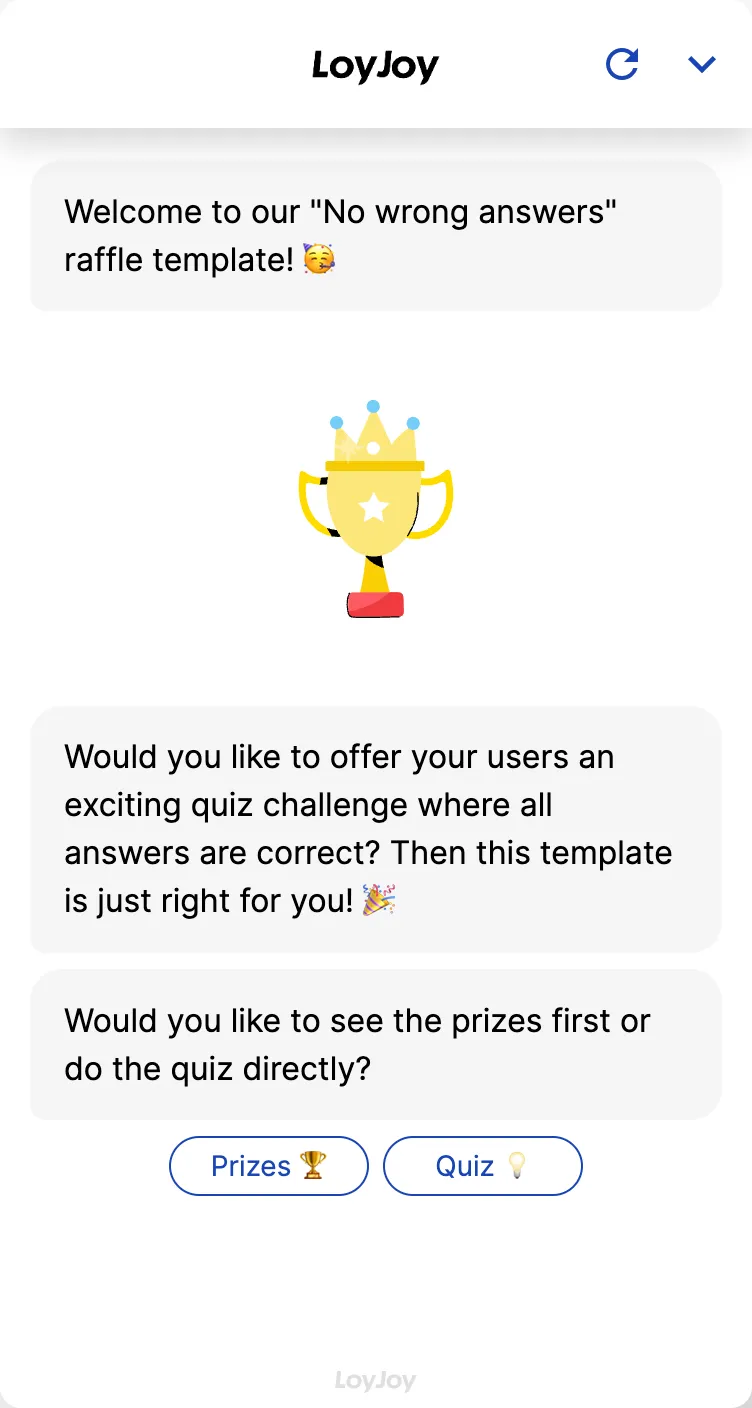
Raffle without wrong answers chatbot: asks about preferences and interests where every answer counts and qualifies for the draw.
Highlights
Highlights
- Quiz questions about preferences and interests
- Promotes personalized and entertaining interactions
- Analyze users’ interests and preferences
This template sets up a raffle without scoring the answers: the chatbot asks questions about preferences and interests where there is no wrong answer, so every entry automatically qualifies for the draw. The focus is not on testing knowledge but on playfully collecting preference data. That makes the template a good fit for brands that want to get to know their audience through a raffle without frustrating participants by eliminating them.
Highlights
- No wrong answers: Every answer about preferences and interests is valid, nobody is eliminated along the way.
- Personalised, entertaining interaction: Questions about taste, topics and preferences replace dry knowledge tests and keep participation pleasant.
- Analysable preference data: Answers are captured in structured form and provide usable insight into the interests of your audience.
Use cases (examples)
- Gather audience insights for product development and range planning
- Grow newsletter sign-ups with a playful incentive
- Capture customer preferences for later personalised offers
- Run social media or website campaigns with a low entry barrier
- Wrap lightweight market research into a raffle activity
What is included in the template?
- Pre-configured set of questions about preferences and interests, fully editable in the no-code editor
- Answer logic without scoring, every input leads straight to participation confirmation
- Structured capture of all answers for later analysis
- Fields for contact data and marketing opt-in
- Connection to hand over the data to a CRM or newsletter tool
Get started in under 5 minutes
- Install the template
- Adjust the questions: Write questions about the preferences and interests relevant to you in the no-code editor.
- Configure data handover: Connect a CRM or newsletter tool integration to process the captured preference data.
- Test and publish: Run through the flow, then publish the raffle.
Frequently asked questions
No. Since there are no wrong answers, everyone who completes the question set automatically qualifies for the draw.
The questions capture the preferences and interests of participants. The raffle is the incentive, the actual goal is the data collection.
Yes. You edit questions, answer options and order in the no-code editor without any coding.
They are stored in structured form and can be handed over to your CRM or newsletter tool via an integration, so you can systematically analyse the preferences of your audience.
The template captures entries and contact data, you configure the actual draw to match your campaign, for example as a random draw after the campaign ends.
Yes. Legal requirements such as participation terms and privacy notices vary by campaign and should be added by you, LoyJoy does not provide legal advice for this.