

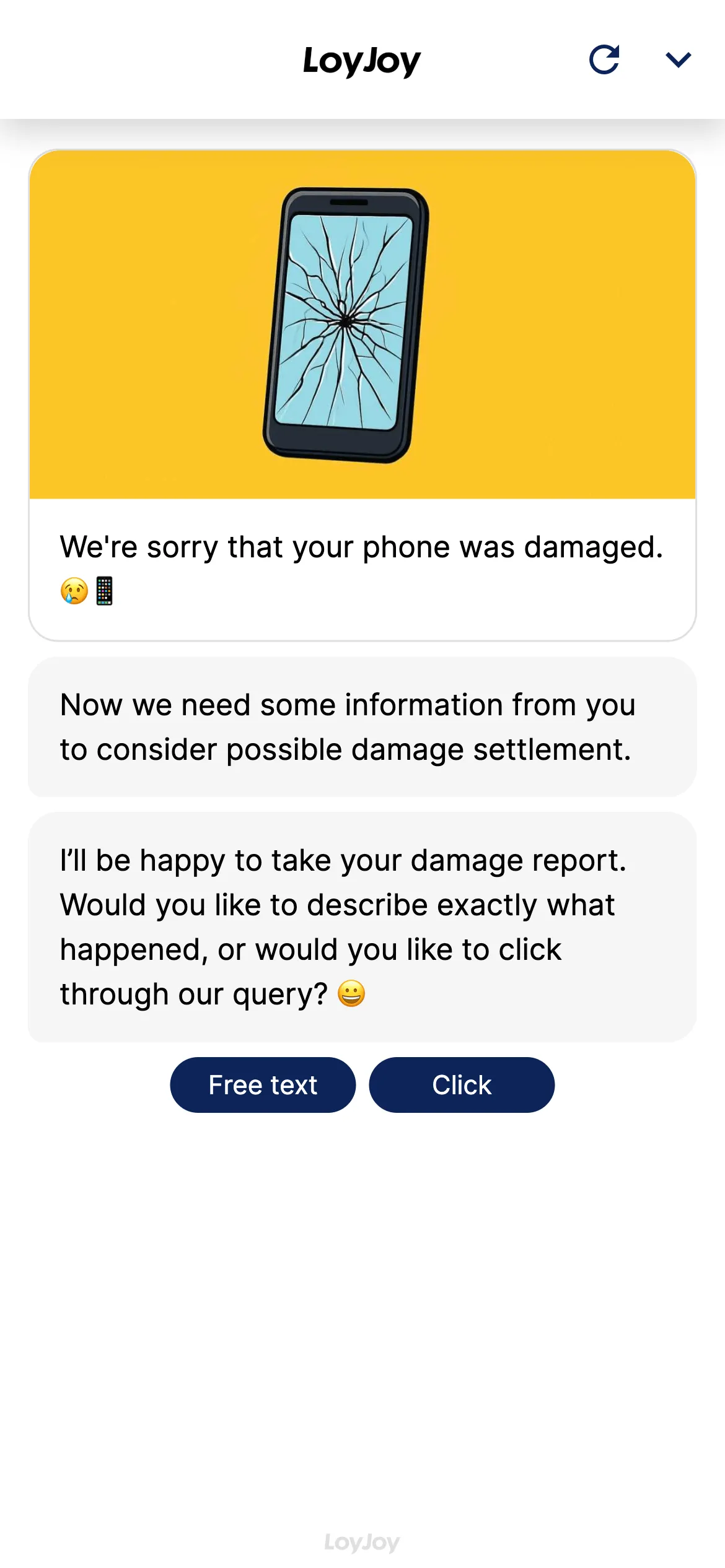
AI damage report: chatbot template for insurers and service
Description
Damage report AI agent: captures claims via free text or guided questions in chat and extracts key details automatically.
Highlights
Highlights
- Simple damage reporting via chat (free text or click)
- Relevant information is automatically recognized and assigned to variables
- Higher customer satisfaction
The template captures damage reports in chat in two ways: either users describe the damage in free text and the AI agent extracts the structured fields such as damage type, date, parties involved and description, or they are guided step by step through a structured query. Required fields, damage types and follow-up processes are configurable, so the template adapts to insurance claims, device damage or repair requests.
Highlights
- Free text or guided dialog: Users describe the damage in their own words or are guided step by step through the capture process.
- Automatic extraction by AI: The agent recognises damage type, date, parties involved and description from free text and maps them to the right fields.
- Direct handover to the claims system: Structured data is passed on to the responsible system via API client or email.
Use cases (examples)
- Report insurance claims such as motor, household or travel damage
- Capture device damage and warranty cases
- Take repair requests including a description of the damage
- First response to a damage case outside business hours
- Pre-qualify damage cases before they reach the claims team
What is included in the template?
- Two capture paths: free text with AI extraction or a guided query
- Configurable damage types and required fields
- Structured mapping to fields such as damage type, date, parties involved and description
- Handover to the claims system via API client or email
- Setup guide in the LoyJoy documentation
Get started in under 5 minutes
- Install the template
- Define damage types: Set up the relevant categories and required fields in the module.
- Set up the handover: Configure the connection to the claims system via API client or email.
- Test and publish: Run through both capture paths, then publish.
A detailed step-by-step walkthrough is available in the setup guide. More insurer use cases are available on our insurance industry page.
Frequently asked questions
Users describe the damage in their own words, an AI assistant automatically extracts the structured fields from it.
Among others damage type, date, parties involved and description. Further fields can be added in the module.
Insurers, but also device damage, repair requests and similar matters.
Via API client or email, depending on the connection.
In the setup guide in the LoyJoy documentation.
Yes, both are configurable in the module without coding.