
Raffle with wheel of fortune: chatbot template with interactive wheel of fortune
Description
Wheel of fortune chatbot: raffles coupon codes with a spin in chat, adding fun and interaction to your marketing campaigns.
Highlights
Highlights
- Spin the wheel of fortune
- Generate coupon codes
This template brings a wheel of fortune into the chat: participants spin the wheel, and depending on the segment they land on they receive a reward such as a coupon, an instant prize, a consolation prize, or nothing at all. The playful mechanic creates extra attention and interaction, and suits marketing campaigns in retail or hospitality that want to offer fast, visible rewards.
Highlights
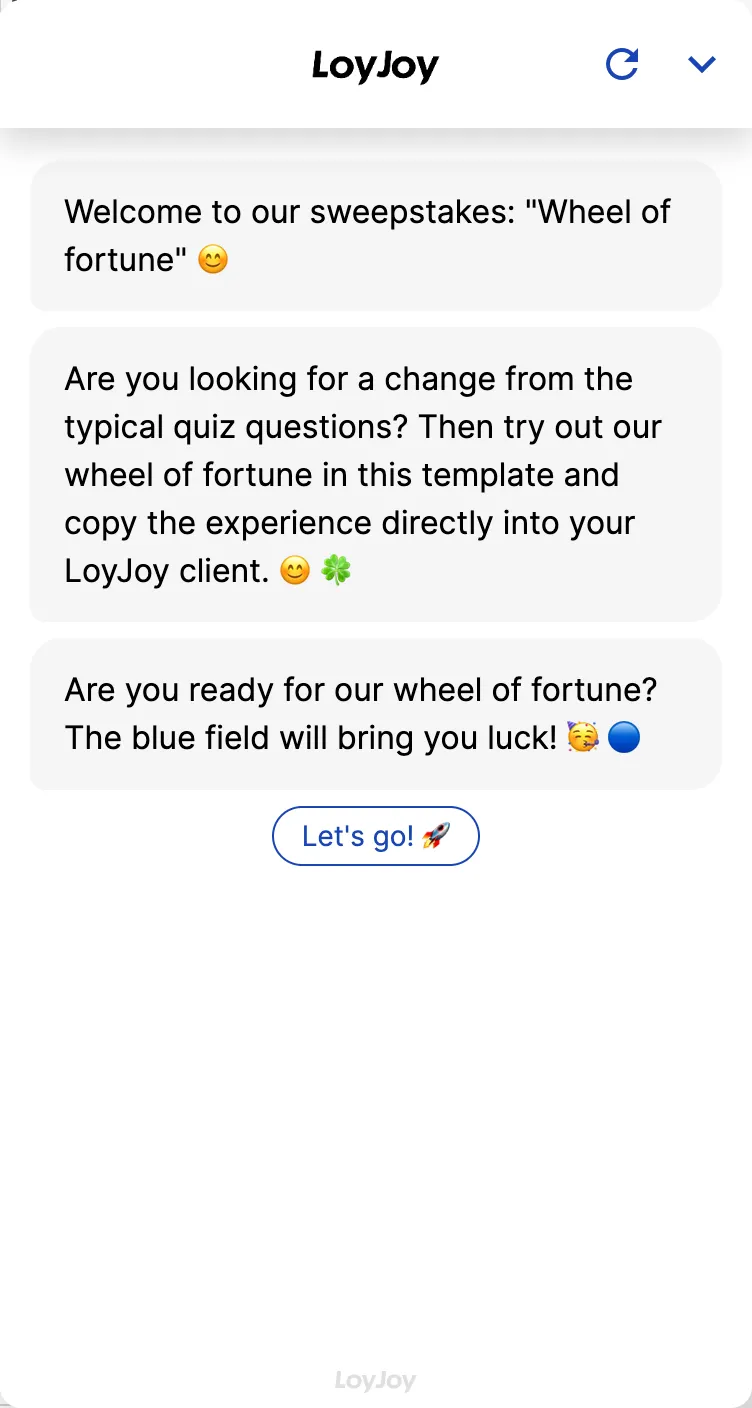
- Interactive wheel right in the chat: The spin happens directly within the conversation, with no switch to an external page.
- Freely configurable segments: You adjust the number of segments, win probabilities and prizes in the no-code editor to fit your campaign.
- Flexible coupon issuance: Codes come from a stored list, a CSV import, or are provided via API.
Use cases (examples)
- Retail discount activations with playful coupon distribution
- Hospitality or event campaigns with instant prizes at the point of sale
- Newsletter or social media activations with a strong interaction incentive
- Seasonal campaigns, for example around holidays or anniversaries
- Loyalty programmes with recurring spin opportunities
What is included in the template?
- Configurable wheel of fortune with adjustable number of segments
- Adjustable win probabilities per segment (coupon, instant prize, consolation prize, blank)
- Connection to coupon codes from a list, CSV import or API
- Chat-native wheel animation for the spin moment
- Capture of contact data for prize notification and redemption
Get started in under 5 minutes
- Install the template
- Configure the segments: Set the number, labels and win probability per segment in the no-code editor.
- Connect a coupon source: Upload a list, import a CSV, or connect an API to your shop system.
- Test and publish: Run several spins to check the probabilities, then go live.
Frequently asked questions
You decide the number in the no-code editor, including label and win probability per segment.
From a stored list, a CSV import, or via API directly from your shop system.
Yes, you can set up a blank or consolation prize as its own segment with a corresponding probability.
Each code from the stored list is issued exactly once, after that it is no longer available for further spins.
Yes, without coding, in the no-code editor, for example to manage a limited pool of instant prizes over the runtime of the campaign.
Yes, the animation is chat-native and works on any device where the chat is embedded.