
tests

Raffle with picture puzzles: chatbot template for interactive raffles

Description

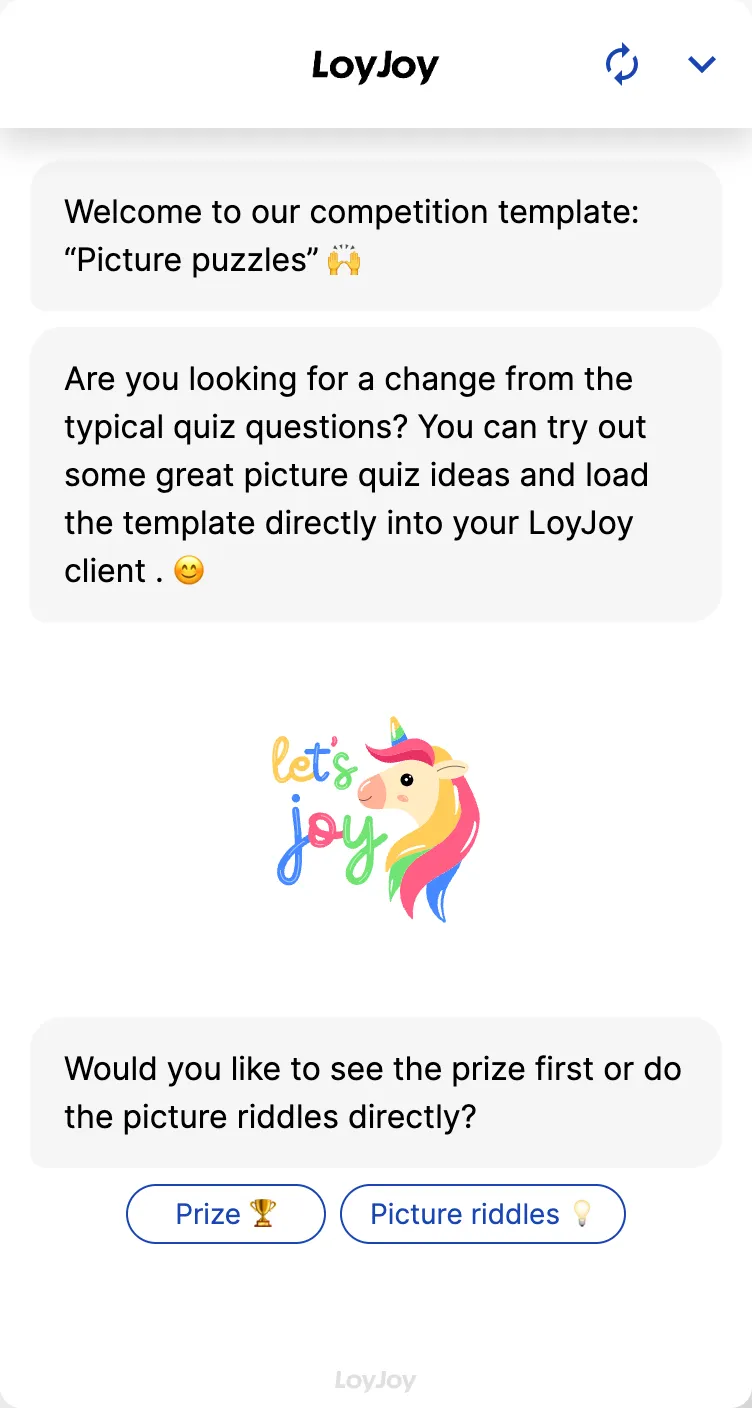
Picture-puzzle raffle chatbot: combines a raffle with mazes and search-image puzzles for a playful, engaging experience.

Add Template

Highlights

Highlights

  • Raffle integrated within the chat
  • Create engaging picture puzzles
  • Make the raffle more lively and interactive

This template combines a raffle with picture puzzles: participants solve visual tasks such as mazes, search-image puzzles or image matching instead of answering classic text questions. That makes the raffle more lively and interactive, and suits brands with a strong visual presence, for example in retail, hospitality or consumer goods.

Highlights

  • Visual puzzles instead of text questions: Participants match images, spot details or identify terms, which livens up the classic raffle format.
  • Built directly into the chat: The puzzles run entirely within the conversation, with no switch to external tools.
  • Freely configurable tasks: You adjust images, task descriptions and scoring logic in the no-code editor to fit your campaign.

Use cases (examples)

  • Product-related search images for new collections or ranges
  • Seasonal campaigns with themed picture puzzles, for example around holidays
  • Strengthen brand recognition through logos, products or mascots in puzzles
  • Liven up event or in-store activations with a visual search game
  • Increase social media traffic with shareable puzzle tasks

What is included in the template?

  • Configurable picture-puzzle tasks (matching, search image, maze) in the no-code editor
  • Sample images included as a starting point for your own motifs
  • Scoring logic to check the solution within the chat
  • Capture of contact data for the draw, as in the standard raffle
  • Integration to hand over entry data to a CRM or newsletter tool

Get started in under 5 minutes

  1. Install the template
  2. Upload your own images: Replace the placeholder images with motifs from your brand or campaign.
  3. Adjust the puzzle logic: Align task description and scoring logic with your images in the no-code editor.
  4. Test and publish: Solve the puzzles yourself to check them, then go live.

Frequently asked questions