
LoyJoy MCP Server: Manage LoyJoy in Claude

The Agentic Web is not a distant vision. MCP – the Model Context Protocol – is the bridge between AI models and the systems businesses operate today. LoyJoy supports MCP in both directions: outbound, so that external AI agents can access your services, and inbound as a productivity layer for operator teams. We connected Claude to our LoyJoy tenant and simply asked: “Show me the analytics for the last 30 days.” The answer came in seconds, directly from the LoyJoy Analytics dashboard.
What is MCP – in two sentences
The Model Context Protocol (MCP) is an open standard that gives AI models structured access to external systems and data. Instead of proprietary integrations, the model and system share a common language – similar to USB-C for hardware. Learn more about LoyJoy MCP →
Outbound and Inbound: Two Directions, One Protocol
Outbound (the main story): External AI agents – the personal assistants of your customers – access your services, products, and processes via the LoyJoy MCP server. Your AI Agents resolve customer requests end-to-end, even when the request originates from a third-party interface. This keeps you in control of the customer interface rather than ceding it to external platforms.
Inbound (productivity layer for operator teams): Additionally, product owners, marketing, analysts, and IT teams can connect their LoyJoy tenant to Claude, ChatGPT, Gemini, or a custom MCP client and work with their platform data in natural language – querying analytics, reviewing processes, searching the knowledge base – without switching between tools.
LoyJoy remains the platform for Agentic Customer Service and Sales. MCP is an enabler, not a replacement for the core offering. The rest of this article shows what inbound usage looks like in practice.
Setup in 3 Minutes
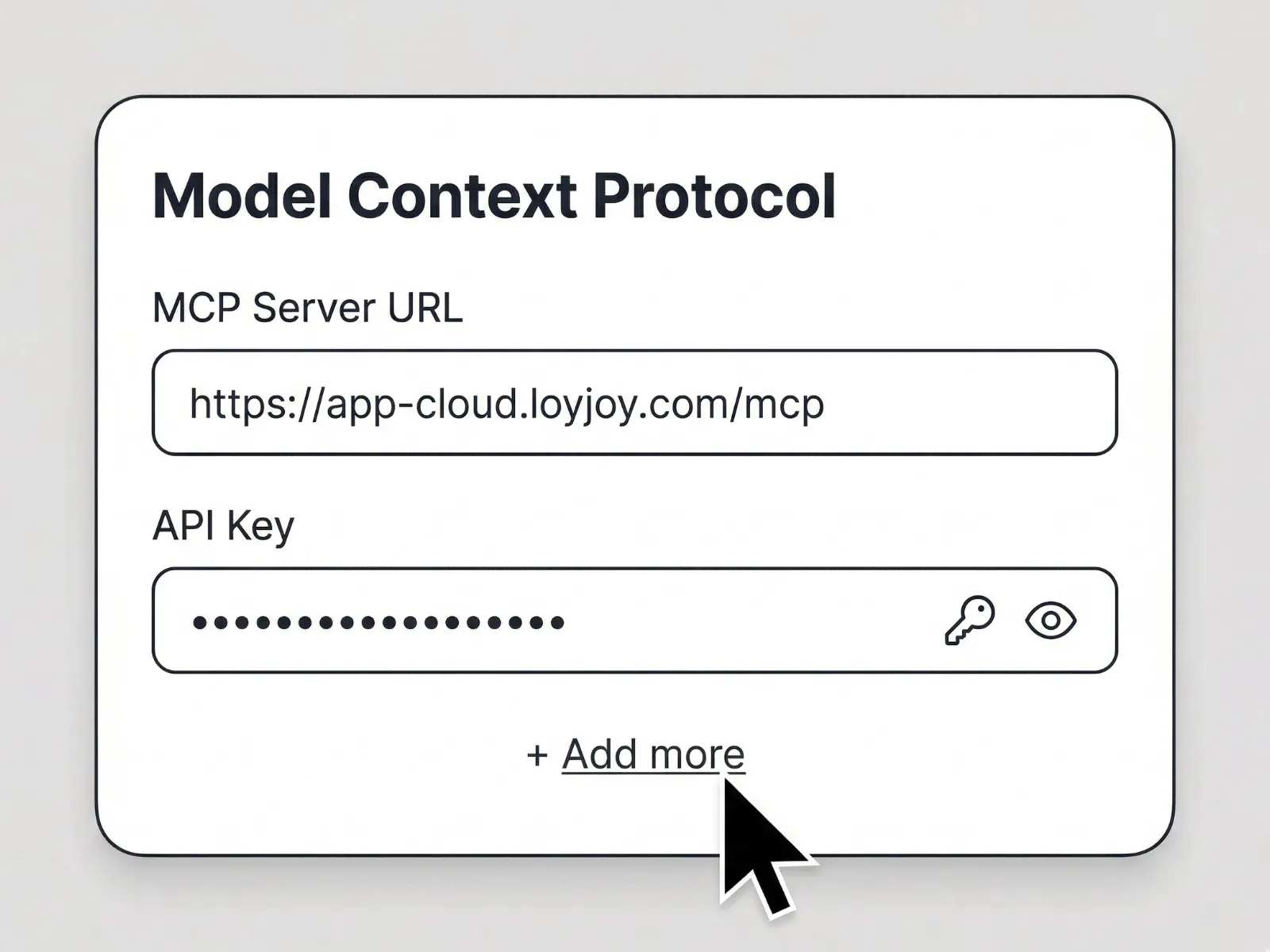
- Open Settings – In the Claude Mac App, go to Settings and navigate to “Connectors”.
- Add a connector – Create a new custom connector, give it a name (e.g. “LoyJoy MCP”), enter
https://app-cloud.loyjoy.com/mcpas the URL, and click “Add”. - Log in and get started – Claude opens the LoyJoy login screen. Sign in as usual with your Passkey – LoyJoy MCP is now available in Claude. Start with: “Show me all tools from LoyJoy.”
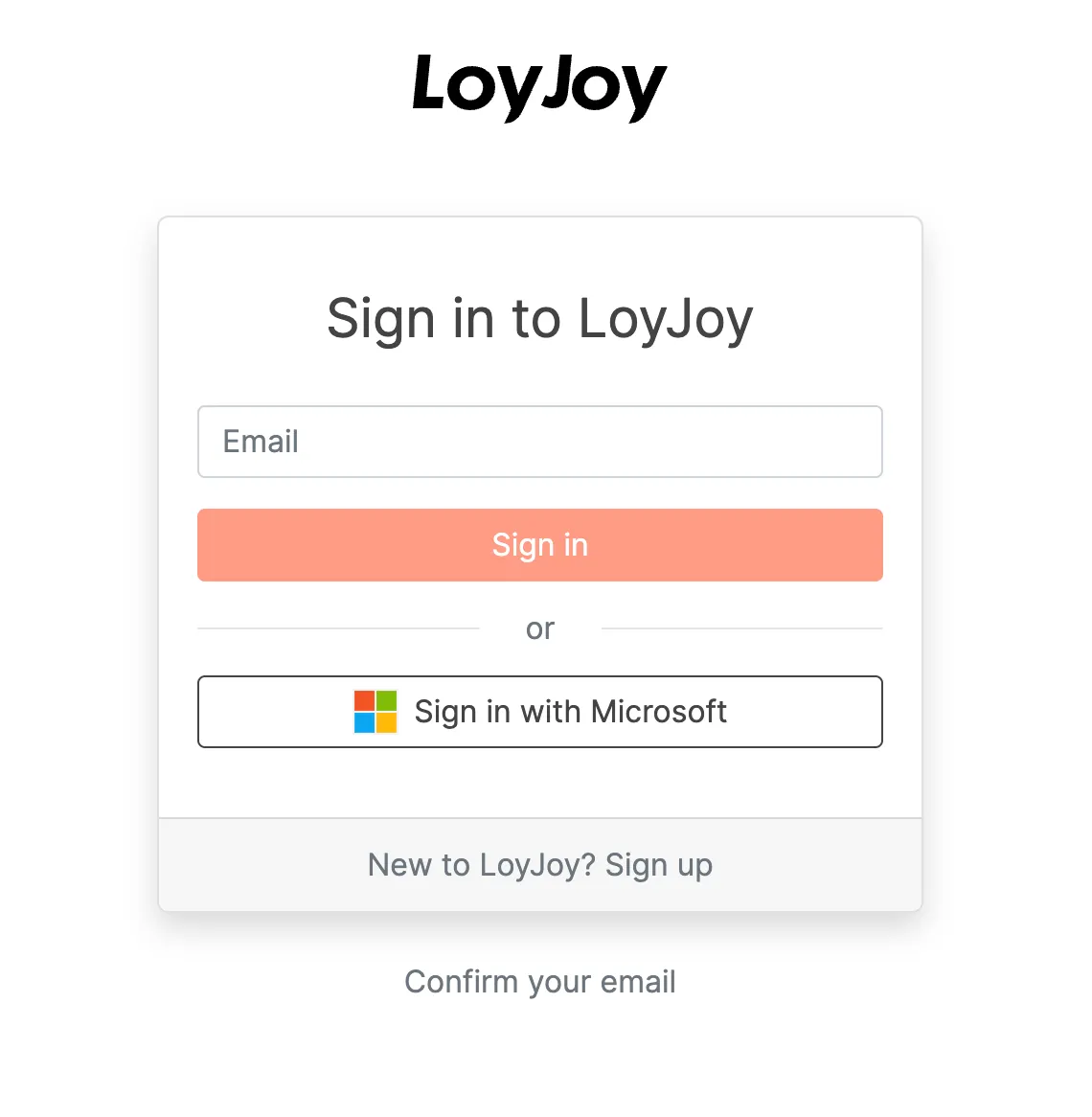
For more complex rollouts – with SSO, team access concepts, or multiple tenants – a dedicated LoyJoy project manager guides the setup from the initial idea through to go-live.
The First Prompts
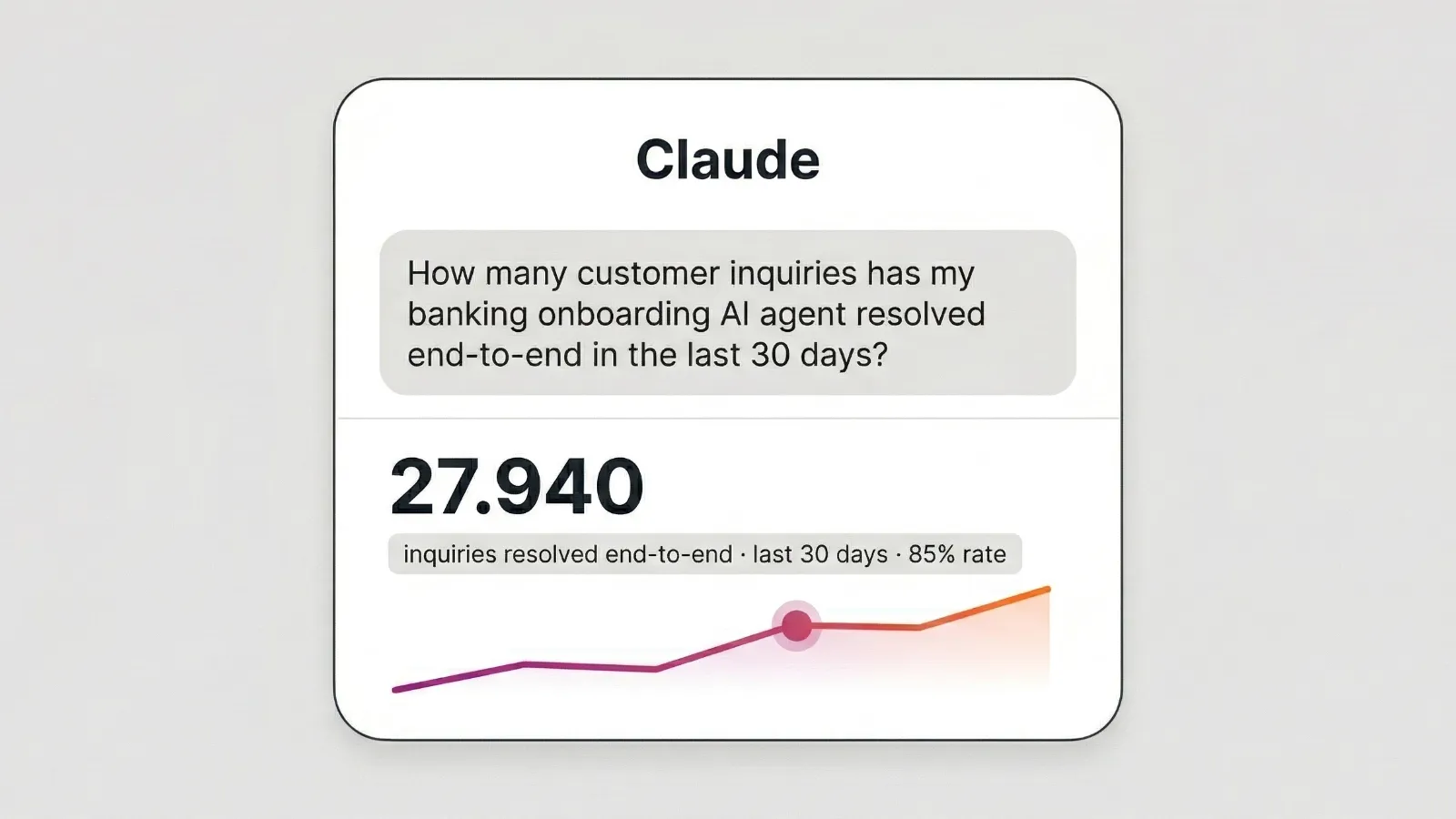
Once connected, all configured MCP tools are available directly in Claude. Here are some examples from real-world usage:
Insurance:
- “Show me all AI Agents in my insurance tenant.”
- “How many customer requests did my claims AI Agent resolve end-to-end in the last 30 days?”
- “Which process steps have the highest abandonment rate in the motor insurance advisory flow?”
Banking:
- “Which AI Agents collected the most NPS feedback from onboarding customers in March?”
- “Compare conversion rate and completion rate between variants V1 and V2 of my loan AI Agent.”
Industry & Energy:
- “Search my knowledge base for troubleshooting entries on smart meters.”
- “Summarize the last ten customer comments on the service portal AI Agent.”
All responses are based exclusively on your tenant data – secured by role-based access control, GDPR-compliant, and hosted in the EU.
Use Cases for Teams
Product owners review KPIs and optimization potential without switching dashboards. “Which step in the advisory flow has the highest drop-off rate?” – answered directly in the chat.
Marketing teams analyze campaign results and A/B tests across multiple AI Agents. No manual data extraction, no report assembly.
CRM managers combine analytics with lead qualification data from Zoho or Salesforce for a complete view of the conversion journey.
IT and operations can review process models, check configurations, and search knowledge bases – all from a single interface.
Industry examples: At an insurance company, the product team uses MCP access daily to optimize claims processing AI Agents. At a cooperative bank, the CRM team uses inbound access to improve onboarding flows weekly based on live analytics.
What’s Coming Next
The available MCP tools grow with every LoyJoy release. Planned additions include custom prompts (fixed query workflows that teams can launch with a click), team sharing for MCP configurations, and deeper CRM and DWH integrations for analytics queries. Those who start early help shape the direction.
LoyJoy MCP overview →
Book a demo →
LoyJoy is the platform for Agentic Customer Service and Sales via chat and phone. Our AI Agents resolve customer requests end-to-end, advise on products, and qualify leads.