
Product finder (vehicles): chatbot template for car and vehicle recommendations
Description
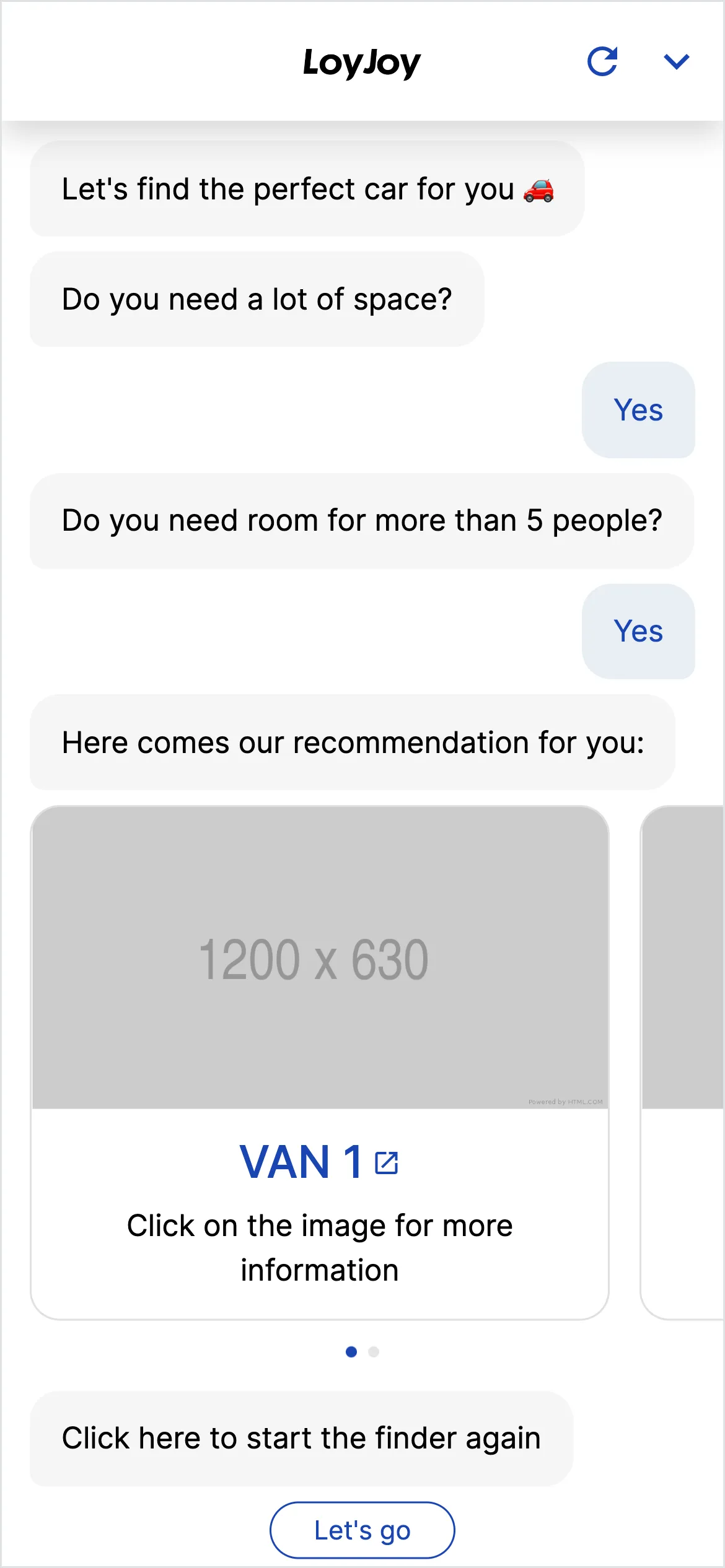
Recommends the optimal products based on customer preferences (uses decision table for calculation). For demo purposes this helps finding the right vehicle.
Highlights
Highlights
- Journey for best fitting product
- Help your Customer fit their needs
- Elevate your chatbot game
The vehicle finder shows a product consultation built on a decision table. Visitors state their preferences, for example budget, drive type and usage type, and a stored table calculates the matching models and returns a recommendation. The example is filled with vehicle data, but the same principle transfers to any other configurable product range.
Criteria, scoring table and model data set are adjustable in the no-code editor.
Highlights
- Recommendations via decision table: Instead of a rigid question tree, a table calculates the matching models from the stated preferences.
- Several criteria at once: Budget, drive type, usage type and further attributes all feed into the calculation together.
- Transferable to other product ranges: Criteria, scoring table and data set can be swapped for any other range in the no-code editor.
Use cases (examples)
- Vehicle selection by budget, drive type and usage type
- Product advice for ranges with many comparable technical attributes
- Pre-qualifying prospects based on several criteria at once
- Advice scenarios where a single attribute is not enough on its own
- A starting point for your own decision-table use cases beyond vehicles
What is included in the template?
- A sample data set of vehicle models
- A pre-configured decision table with criteria such as budget, drive type and usage type
- A no-code editor to adjust criteria, weighting and the data set
- Embedding as a chat on your website or in your app
Get started in under 5 minutes
- Install the template
- Adjust the data set: Replace or extend the vehicle models with your own product data.
- Configure the decision table: Tailor criteria and scoring logic to your range in the no-code editor.
- Embed the chat: Deploy it on your website or in your app and guide customers to the matching product.
Customers

Frequently asked questions
A decision table evaluates several criteria at once and calculates a recommendation from them, while a decision tree guides users step by step along fixed question paths. The table works better when several attributes together determine the recommendation.
No. The vehicle example demonstrates the principle. Criteria, scoring table and data set can be swapped for any other range in the no-code editor.
As many as you like, in the example including budget, drive type and usage type. You decide in the editor which criteria are relevant for your range.
In the no-code editor. You replace the sample vehicle models with your own products and their attributes.
No. You adjust criteria, weighting and mapping without code in the editor.
As a chat on your website or in your app, like other LoyJoy templates.