
BigQuery for customer data: integration for AI agents
Description
Connect LoyJoy to Google BigQuery and store customer data in a structured row – enabling powerful analytics and data-driven decisions for your business.
Highlights
Highlights
- BigQuery Integration
- Customer Data
- Data-Driven Insights
What the BigQuery integration does
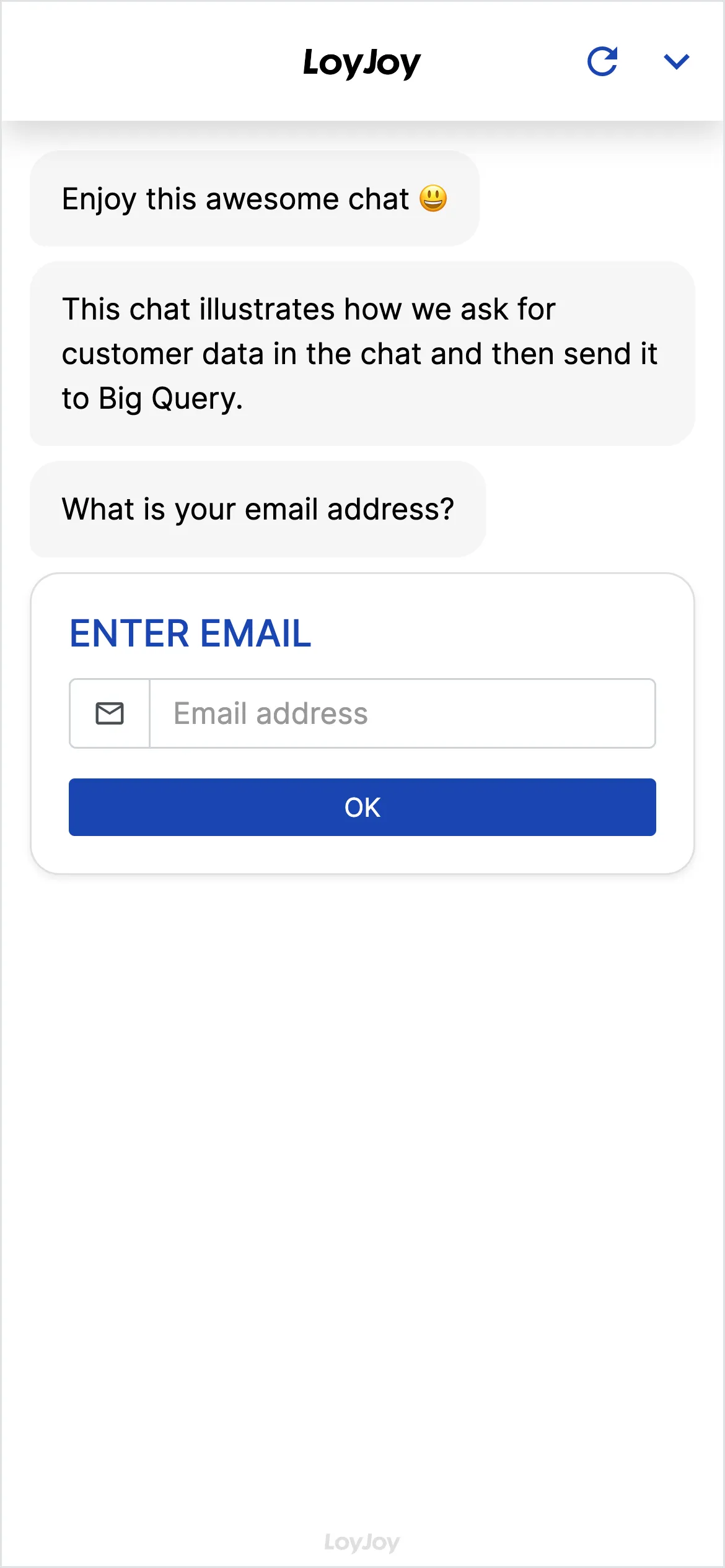
Connect your LoyJoy AI agent with BigQuery, without a single line of code. Data created in chat flows automatically into BigQuery: store customer master data and conversation data structured in BigQuery for powerful analytics and reporting. Conversely the agent uses data from BigQuery to address your customers in context.
How to start
- Add the template to your workspace.
- Store the BigQuery API key or credentials in the module (instructions in the setup guide).
- Map data fields between LoyJoy and BigQuery, go live.