
Instant win: chatbot template for interactive instant-win campaigns
Description
Instant win chatbot: a random generator awards prizes in real time, win probabilities per category fully configurable, no coding needed.
Highlights
Highlights
- Instant prizes
- Sophisticated random generator
- Exciting user experience
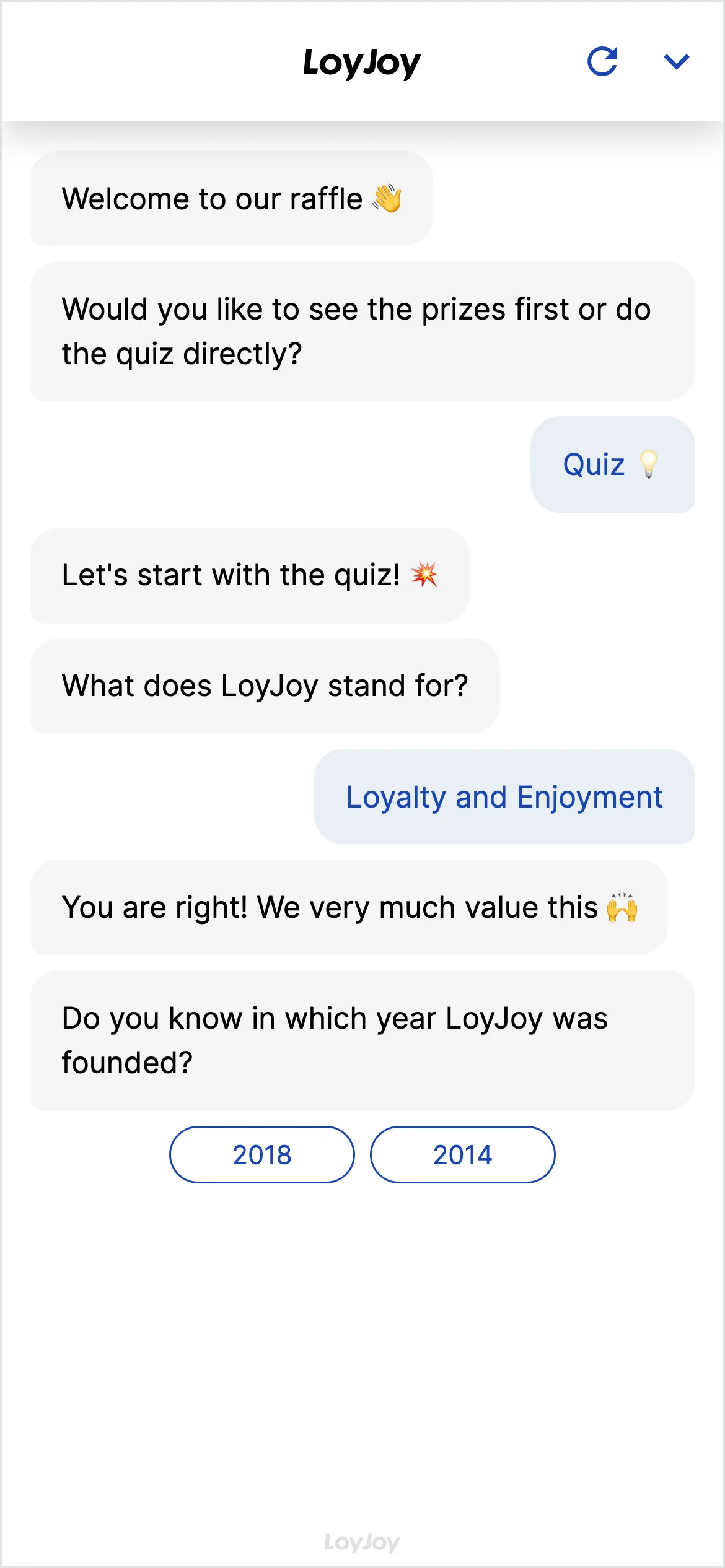
This template delivers an instant-win raffle in chat: participants start the flow, the instant win module draws from a configured prize pool via a random generator, and returns the result, win or no-win, immediately. With no wait for a later draw, the template suits campaigns built around immediate reward and a high interaction rate.
Highlights
- Immediate result: No waiting for a later draw, the random generator returns the result right in the chat.
- Configurable prize pool: You set prize categories and win probabilities per category freely in the no-code editor.
- Adjustable win and no-win messages: Texts and redemption instructions are adapted to your campaign without coding.
Use cases (examples)
- Point-of-sale activations with an instant reward after a purchase
- Product launches with an immediate win experience instead of a wait
- Social media and website campaigns with a high interaction rate
- Seasonal activations, for example discount days or anniversaries
- Loyalty programmes with recurring instant-win chances
What is included in the template?
- Instant win module with a random generator for immediate prize determination
- Configurable prize pool with adjustable win probabilities per category
- Adjustable win and no-win messages including redemption instructions
- Fields for customer data (name, email, marketing opt-in) in the same dialogue
- Integration to hand over the data to a CRM or newsletter tool
Get started in under 5 minutes
- Install the template
- Configure the prize pool: Set prize categories and win probabilities in the instant win module.
- Adjust the messages: Align win and no-win texts as well as redemption instructions with your campaign.
- Connect data capture and publish: Check the customer data fields, optionally connect a newsletter or CRM integration, then go live.
Frequently asked questions
Immediately. The instant win module draws right in the chat from the configured prize pool and shows the result with no wait.
You set an individual probability per prize category in the no-code editor, for example to control how often top prizes are awarded compared to smaller prizes.
Yes, texts and redemption instructions are adjusted to your campaign in the no-code editor without coding.
By default name, email address and marketing opt-in, you can add further fields in the no-code editor as needed.
Via the redemption instructions set in the messages, for example a code or pickup information, which you adapt to your prize pool.
Yes, prize categories and probabilities can be changed at any time in the no-code editor, for example when a batch of prizes runs out.