
Embedded content: LoyJoy template for embedded multimedia content
Description
Seamlessly embed a wide range of content into LoyJoy and explore the capabilities of our mini program process module.
Highlights
Highlights
- Link Your Products, Ads, Services and more
- Embed Media Content
- Embed Social Media
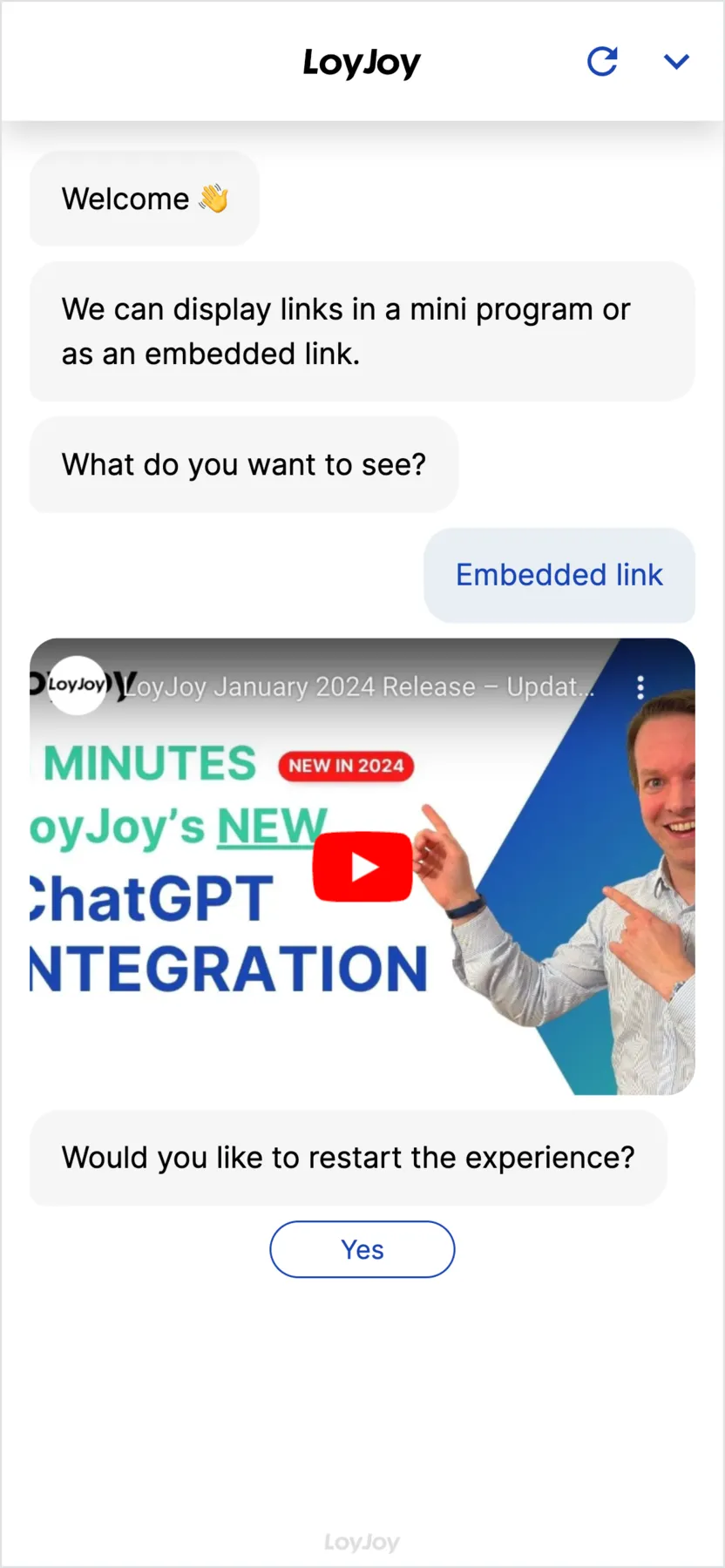
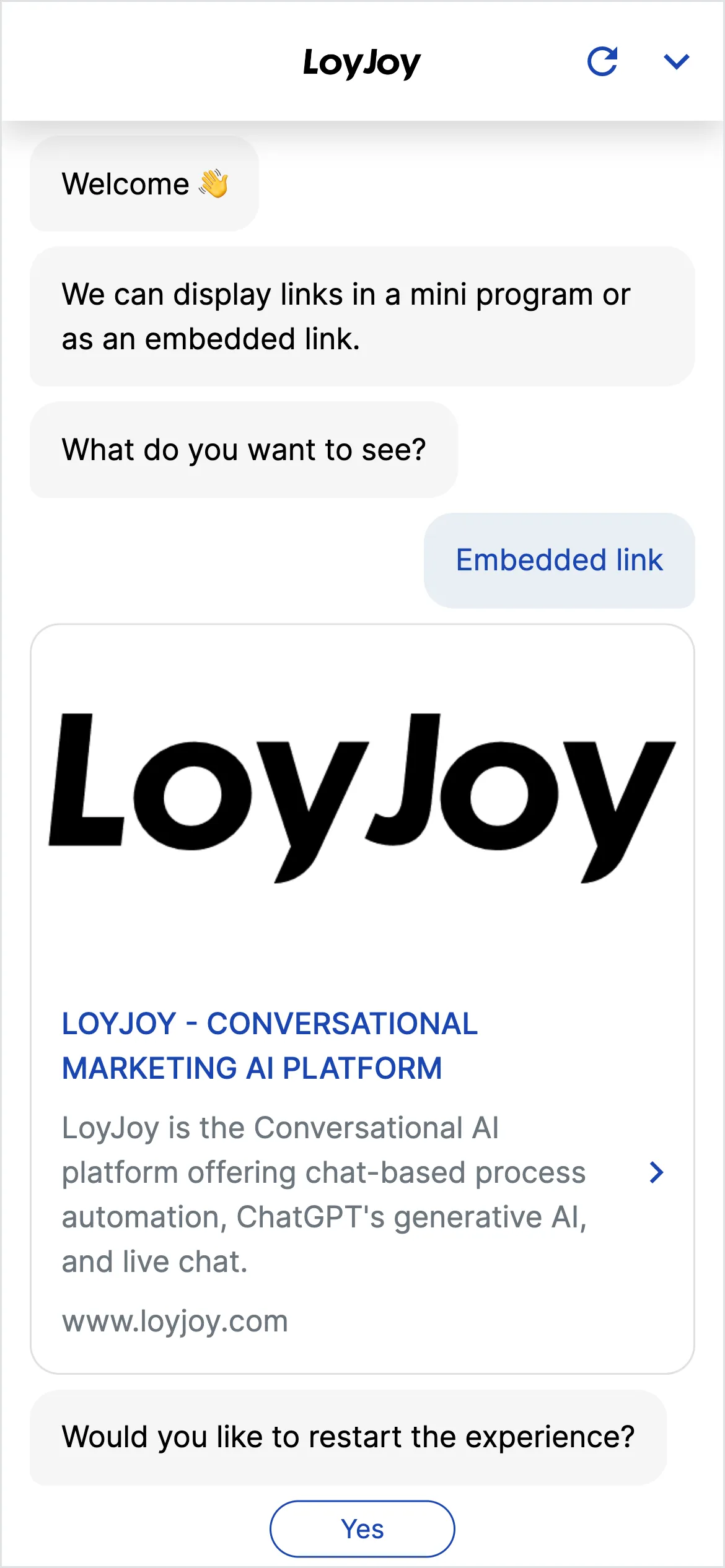
This template shows how multimedia content is embedded directly in chat: YouTube videos, images, external links and entire websites as a mini program. Each format is its own module, plugged into the chat flow via drag and drop, so users never leave the chat or jump to a new tab.
Highlights
- Embed a wide range of content: Videos, images, links and websites as their own chat modules.
- No break in the user experience: Content stays in the chat context, no jump to a new tab.
- Context-aware playback: Content appears exactly where it is relevant in the conversation, for example as an explainer video after a question.
- Mini programs for websites: Open an entire website as an interactive mini program right inside the chat.
Use cases (examples)
- Play an explainer video right after a product question
- Show product images or catalogues inside an advisory conversation
- Link to promotions, ads or landing pages
- Present social media content in the chat context
- Open interactive websites as a mini program inside an advisory flow
What is included in the template?
- Video module for YouTube embedding
- Image module for your own graphics and product images
- Link module for external references
- Mini program module to embed entire websites
- Sample chat flow showing how modules combine
Get started in under 5 minutes
- Install the template
- Fill the modules: Add your own sources to the link, image or video modules.
- Plug them into the chat flow: Place modules via drag and drop at the relevant point in the conversation.
- Test and publish: Run through the flow, then publish it.
Frequently asked questions
Videos, for example from YouTube, images, external links and entire websites as a mini program.
No. Content is shown directly in the chat context, no new tab opens.
Via drag and drop in the no-code editor, at the point in the conversation where you want it to appear.
A module that opens an entire website interactively inside the chat, without users leaving the conversation.
Yes, video, image, link and mini program modules can be combined freely.
No, every module is configured in the no-code editor.