
Advent calendar (daily): chatbot template for Christmas campaigns
Description
Advent calendar chatbot with 24 doors, a new quiz or raffle every day, collecting marketing opt-ins directly in the chat.
Highlights
Highlights
- Spread the Christmas spirit
- Daily excitement
- Collect leads and permissions
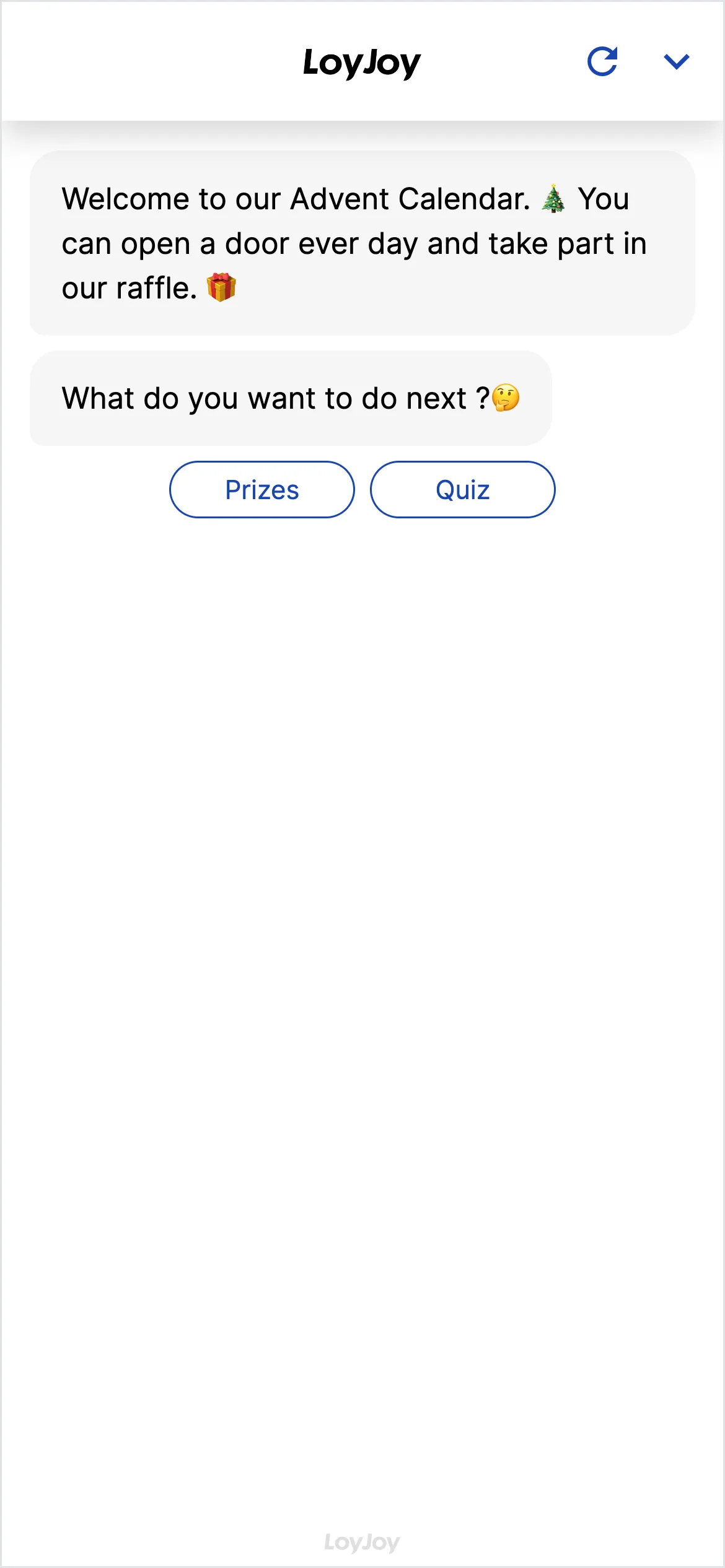
This template sets up a digital advent calendar with 24 doors, one of which unlocks every day in December. Behind each door is a quiz question, a raffle or a small action that participants answer directly in the chat. The agent checks the answer automatically, awards prizes and collects GDPR-compliant marketing opt-ins for your newsletter along the way.
Highlights
- 24 doors, daily excitement: A new door unlocks every day in December, giving participants a reason to come back again and again.
- Automatic evaluation in chat: Answers to quiz questions or raffles are checked instantly, prizes confirmed right away or forwarded for redemption.
- Collect GDPR-compliant opt-ins: Email address and marketing consent are captured in the same dialogue and can be passed to your CRM or newsletter tool.
Use cases (examples)
- Christmas campaign for retail, insurance or consumer goods brands
- Website integration as a layer or standalone landing page
- Distribution via QR code on packaging, flyers or in store
- Companion to a newsletter with a daily link to the current door
- Building your opt-in database ahead of the busy holiday season
What is included in the template?
- 24 prepared doors with placeholders for question, answer options and prize logic
- No-code editor to adjust texts, images and win probabilities per day
- Email address and marketing opt-in capture built into the dialogue
- Integration option to your CRM or newsletter tool
- Participation analytics in the LoyJoy admin area
Get started in under 5 minutes
- Install the template: Add the template to your workspace with a single click.
- Fill the doors: Set up doors 1 through 24, each with question, answer options and prize logic.
- Check the opt-in text: Review the wording and legal basis of the marketing consent before the campaign goes live.
- Publish and embed: Embed the chat on your website or distribute it via QR code in newsletters and stores.
Customers


Frequently asked questions
The base structure with 24 prepared doors is ready to use right away. How much additional time you invest depends on how individually you want to design questions, texts and prizes for each day.
The template ships with a prepared structure for all 24 doors, which you fill with your own questions, answer options and prizes in the no-code editor. Existing content can also be reused or lightly adjusted across multiple days.
For each door you decide how a prize is determined, for example at random or from a correct answer. The agent confirms the prize directly in the chat or forwards to redemption.
They are captured together with the marketing opt-in in line with GDPR requirements and can be passed via integration to your CRM or newsletter tool.
Yes. You can embed the chat as a widget on your website or distribute it via QR code, for example on packaging, flyers or in store.
Yes, our advent calendar template with pre and post phase extends this template with a teaser dialogue before December 1 and a reveal after Christmas Eve.